Intro
When filling the Game onboard Sheet We entered a total of 6 game assets.
FISHBONEwhich is aCOLLECTIBLEsimilar to coins.SARDINESwhich is aCOLLECTIBLEbut more premium.MAGNETwhich is aCOLLECTIBLE, a powerup.OBSTACLE BINwhich is aCOLLECTIBLE, obstacle dustbin with a top and a bottom.OBSTACLE WHEELY BINwhich is aCOLLECTIBLE, and just another type of dustbin.CATwhich is anEQUIPMENT, a character that a user equips to play the game.
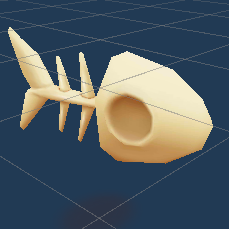
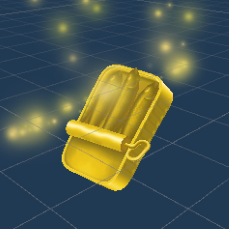
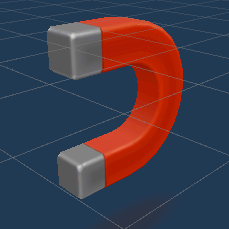



All of the above assets and its components have Tracker/Loader scripts in \Spaces\Scripts\Assets\
Script Types
1. Tracker
The Tracker script must be attached to the asset's GameObject. Its primary functions include:
- Tracking View Time: Monitors how long the asset has been viewed.
- Asset Clicks: Records users click in the asset.
- Visibility Count: Keeps track of how many times the asset has been displayed to users.
2. Loader
The Loader scripts are a collection of scripts that should be attached to various GameObjects associated with the same asset. These scripts are responsible for:
- Dynamic Loading: Ensuring that the asset is loaded efficiently during active brand campaigns.
Implementation Guidelines
In most scenarios, you simply attach the Tracker and Loader scripts to their respective GameObjects. However, in certain cases, manual code adjustments may be necessary to align with your specific game requirements.